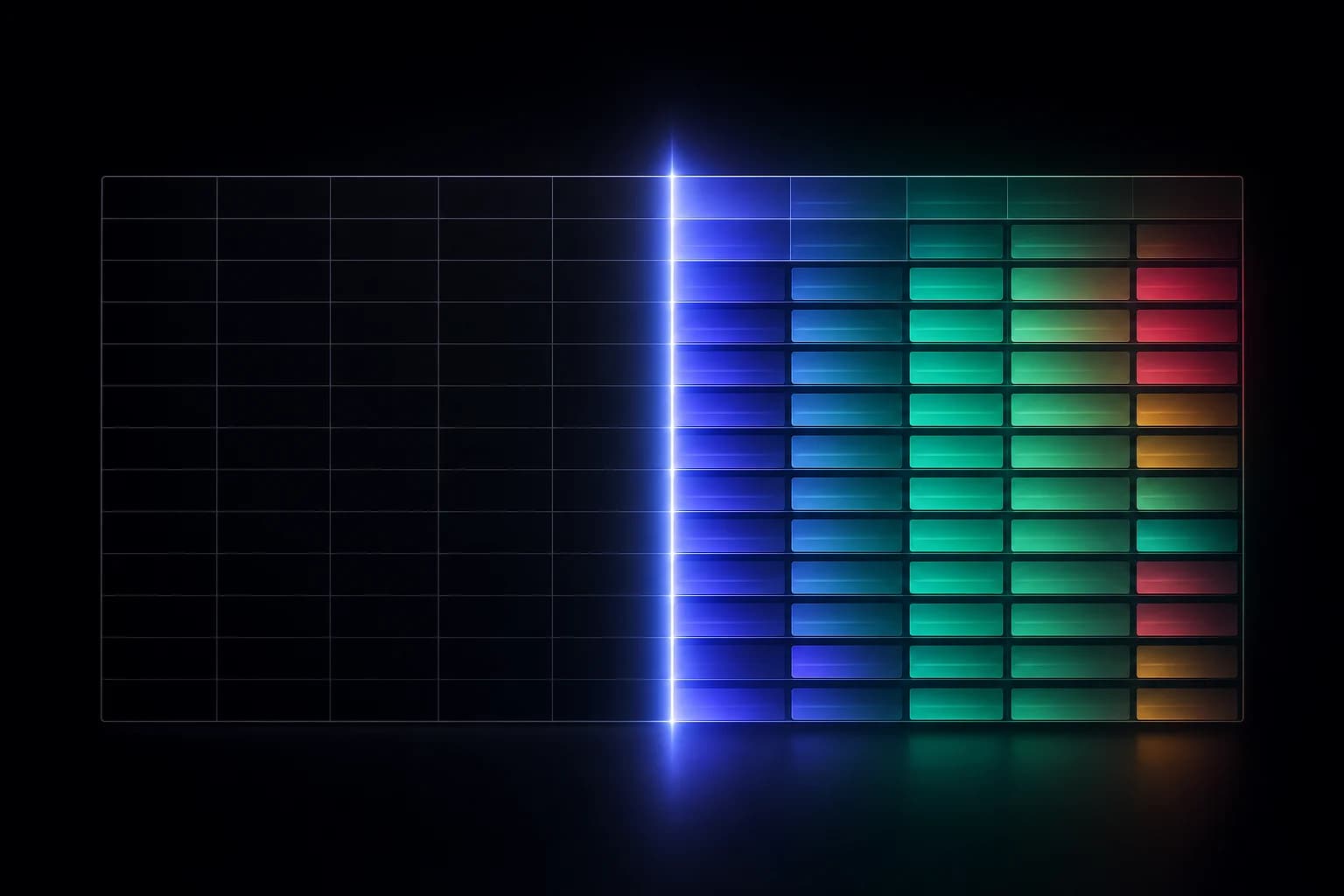
Most Salesforce incidents don't start with an outage. They start with a change — small, reasonable, and untracked. A field's type gets tightened. A picklist value is renamed. A required flag is added "just on this one layout." Weeks later a report returns the wrong numbers, a nightly integration throws errors, or a validation rule starts blocking records it never used to. By then, the change that caused it is buried under a hundred others, and the question everyone is asking — what changed? — is surprisingly hard to answer.
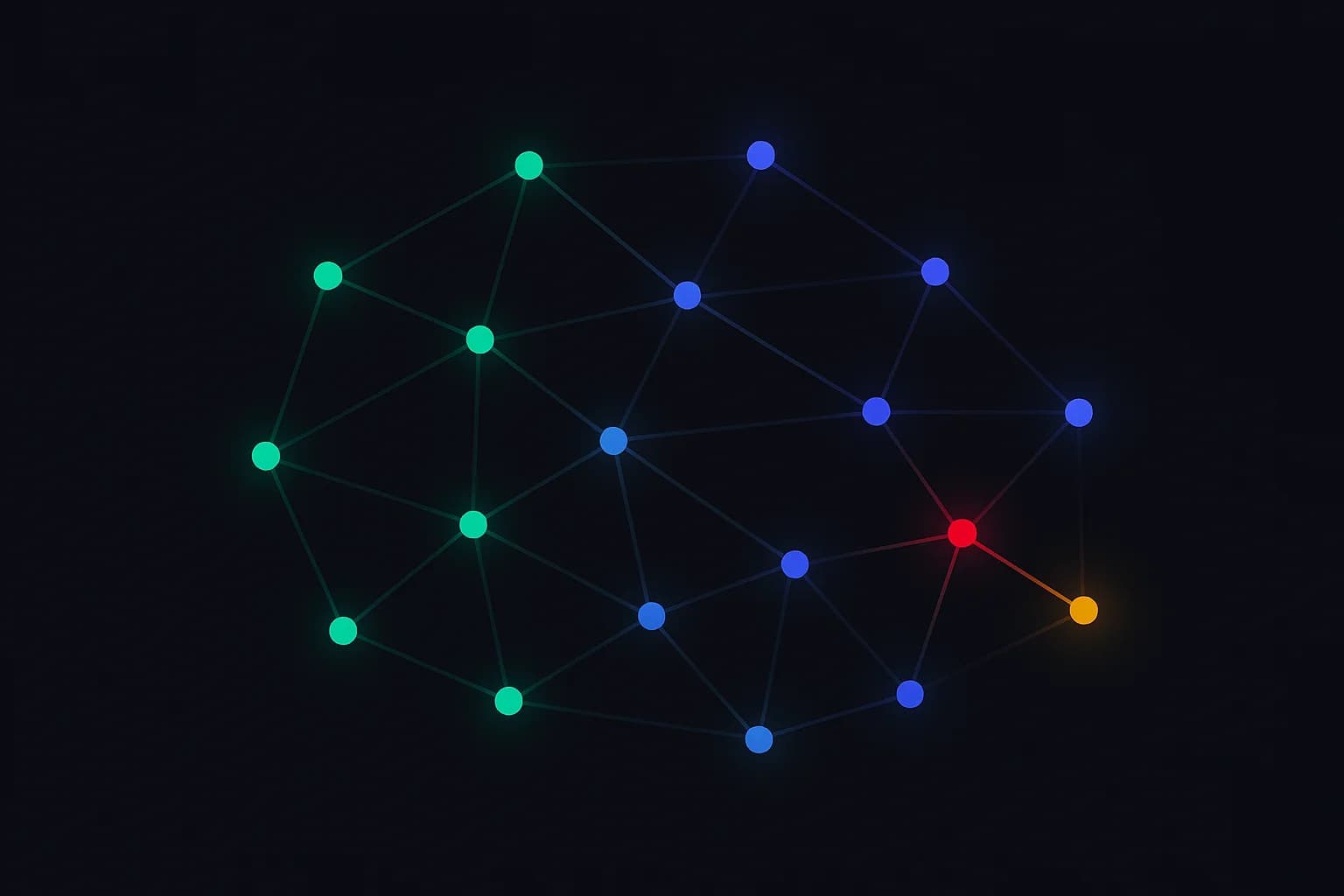
That slow accumulation of untracked change is schema drift, and in a healthy, active org it's happening all the time.
How drift turns into incidents
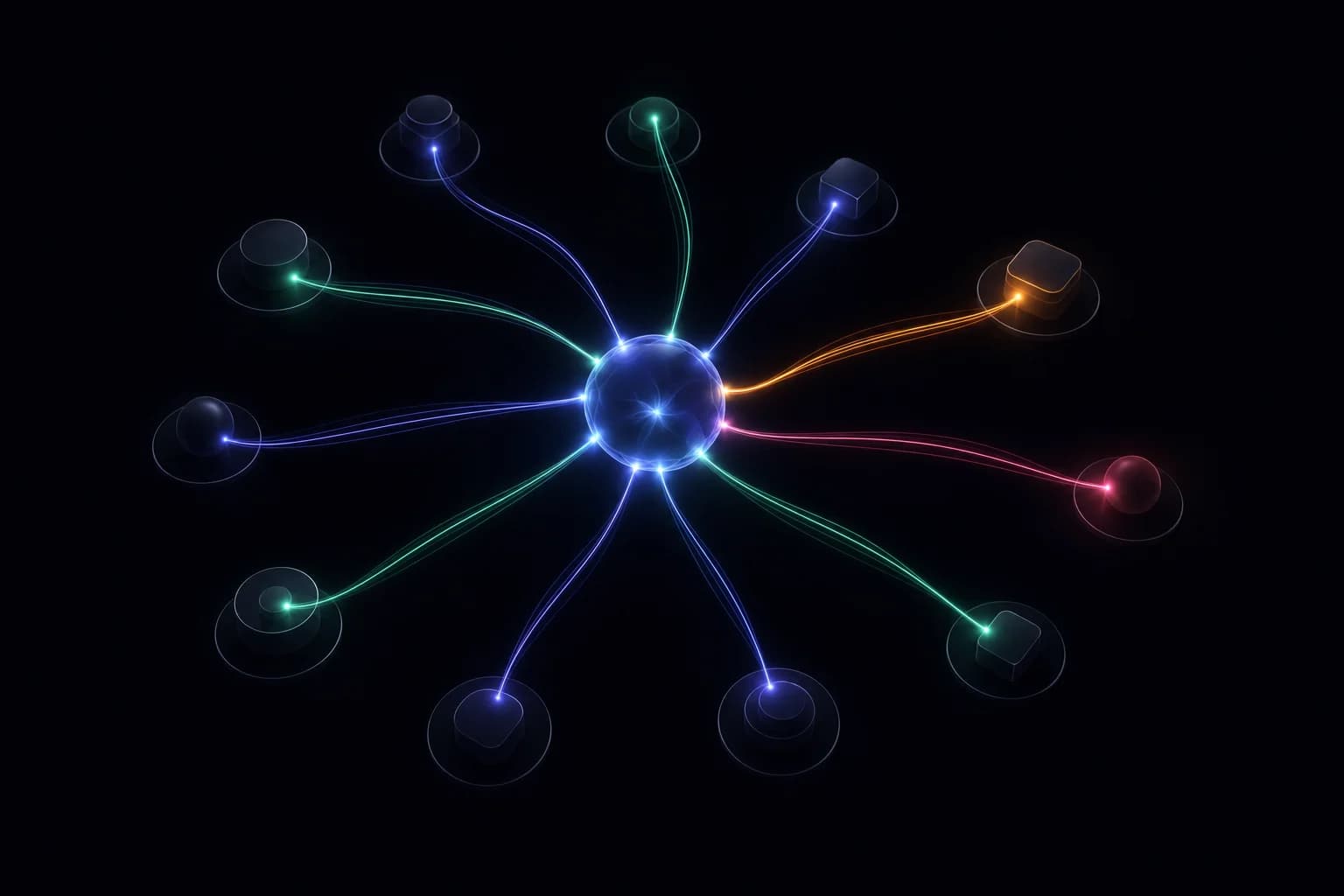
Salesforce is densely interconnected, so a change rarely stays where you make it. The same edit can ripple in several directions:
The same edit reaches reporting (filters silently stop matching), integrations (payloads start getting rejected), automation (flows and validation rules misfire), and field-level security (who can see the data quietly shifts). Color encodes how loud each failure is — and the quiet ones are the dangerous ones.
In each case the change was individually reasonable. The damage came from the fact that no one could see the change as a change — with enough context to predict the blast radius — before it mattered.
Why the Setup Audit Trail isn't enough
Salesforce does record some of this, and the Setup Audit Trail has its place. But as a change-tracking system it has real limits:
- Short retention. It only goes back so far, and drift often reveals itself well after the window closes.
- Line items, not diffs. It tells you an action happened. It doesn't show you the before-and-after state, so you can't see what the field actually became.
- Coarse and noisy. It mixes everything together with little structure, which makes reconstructing a specific object's history slow and manual.
- No proactive signal. It's a log you go read after something breaks — not something that tells you a meaningful change just happened.
It's a forensic tool you reach for during the post-mortem. What teams actually need is something that prevents the post-mortem.
What changed? — is surprisingly hard to answer.
What real change tracking looks like
Useful change tracking treats every schema change as a first-class, queryable event — captured automatically and kept long enough to be useful. The bar is straightforward:
- What changed, precisely. Field added, modified, or deleted — with the before and after, not just a note that something happened.
- Who changed it, and when. Attribution and timing, so the history reads like a story instead of a pile of entries.
- Which environment. Sandbox versus production matters; drift between them is its own class of problem.
- From day one. History that starts the moment you connect, so you're never reconstructing the past from memory.
- Diffable and durable. A complete record you can scan by object, by field, or by time — kept, not aged out.
With that in place, "what changed on Opportunity last week?" stops being an investigation and becomes a question with an immediate, exact answer.
Move from reactive to proactive
The real shift is from finding out about change to being told about it. When schema changes are captured as structured events, you can watch the parts of the org that matter and get notified when they move — before the broken report or the failed integration becomes the thing that tells you.
That's the difference between change tracking as an audit obligation and change tracking as an early-warning system. One helps you explain an incident after the fact. The other helps you avoid it.
Metadata only
Worth repeating, because it's what makes connecting to production reasonable: tracking how your org's structure changes never requires reading your records. SchemaForce compares metadata — object and field definitions — and nothing else. You get a complete history of how your org has evolved without any access to the data inside it.
Drift is inevitable in any org people actually use. Getting blindsided by it isn't. The teams that stay ahead aren't changing less — they're changing with a clear, continuous record of exactly what moved, so the next "what changed?" has an answer ready before anyone has to ask.