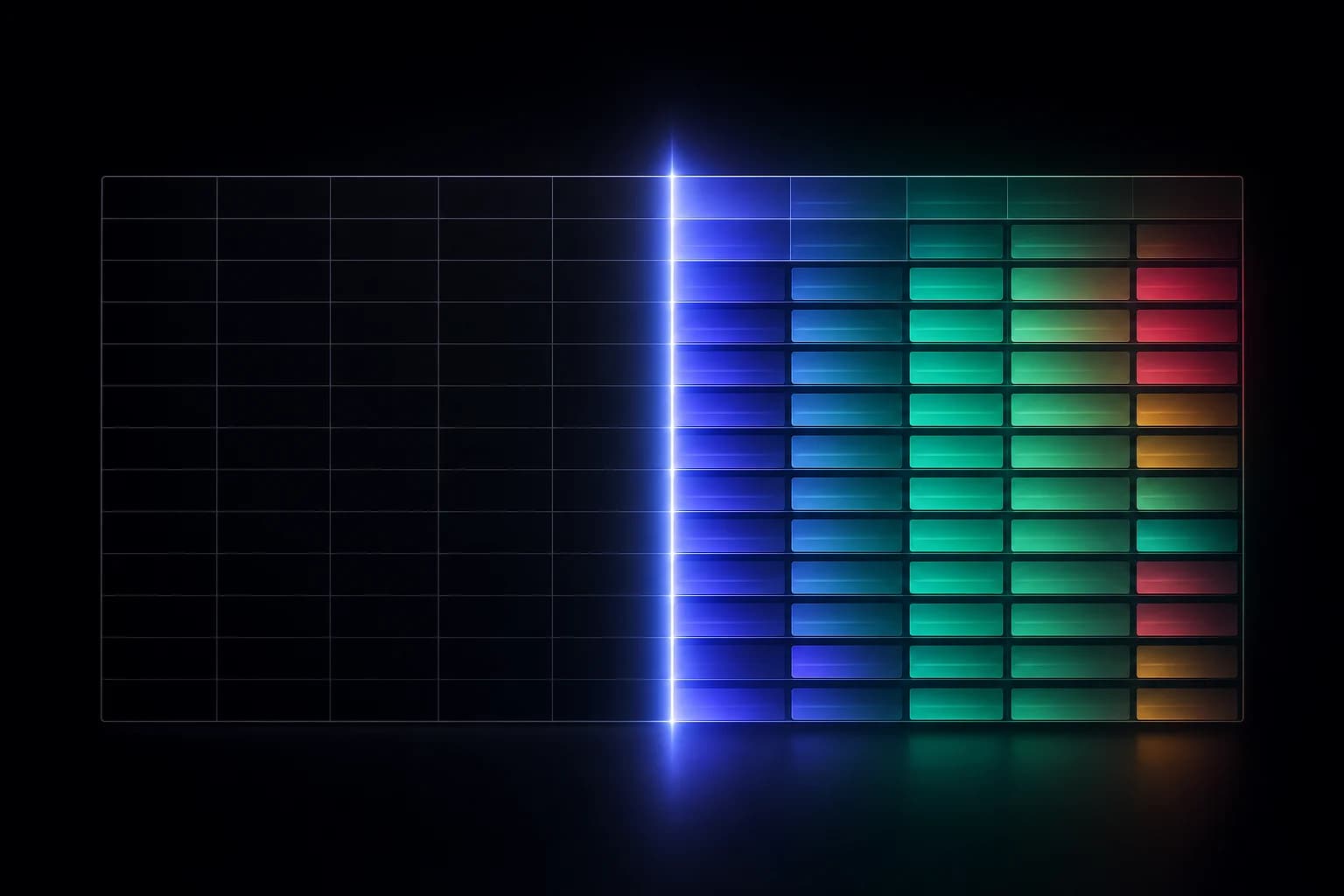
There's a specific kind of dread every Salesforce admin knows: you're about to change a field, and you can't be sure what depends on it. Maybe it's a picklist value marketing wants renamed. Maybe it's a field type that should have been a number from the start. The change itself takes ten seconds. The uncertainty about what it might break can stall it for days — or worse, you make it, and find out the hard way.
"Is this field safe to change?" is one of the hardest questions to answer confidently in Salesforce, and it's hard for a structural reason: dependencies in an org are real, numerous, and almost entirely invisible from where you make the change.
Dependencies hide everywhere
A single field can be wired into more of your org than anyone remembers. The same Amount or StageName or custom checkbox might be referenced by:
- Flows and process automation that branch, update, or validate based on its value
- Validation rules that enforce conditions using it
- Formula and roll-up fields that compute from it, sometimes several layers deep
- Reports and dashboards that filter, group, or summarize on it
- Page layouts and record types that surface it to specific users
- Integrations and API consumers that map to its API name and type
- Permission sets and profiles that govern who can see or edit it
The field looks simple in Setup. The web of things leaning on it is anything but. And Salesforce's "Where is this used?" only goes so far — it misses whole categories of dependency and tells you nothing about automation order, where the real surprises live.
Why manual tracing fails
Faced with this, the careful admin tries to trace it by hand: open the flows, read the validation rules, scan the reports, check the integrations. This breaks down for predictable reasons.
It's incomplete — you find what you think to look for and miss what you don't. It's slow — thorough tracing across a mature org can take longer than the change deserves, so it quietly stops happening. And it doesn't scale — every change needs its own investigation, and the knowledge lives in one person's head until they're on vacation during the incident.
So teams settle into one of two bad equilibria: change slowly and fearfully, or change fast and clean up the breakage. Neither is good. Both are avoidable.
"Is this field safe to change?" should be a judgment you can make — not a hope you ship.
Field-level impact analysis
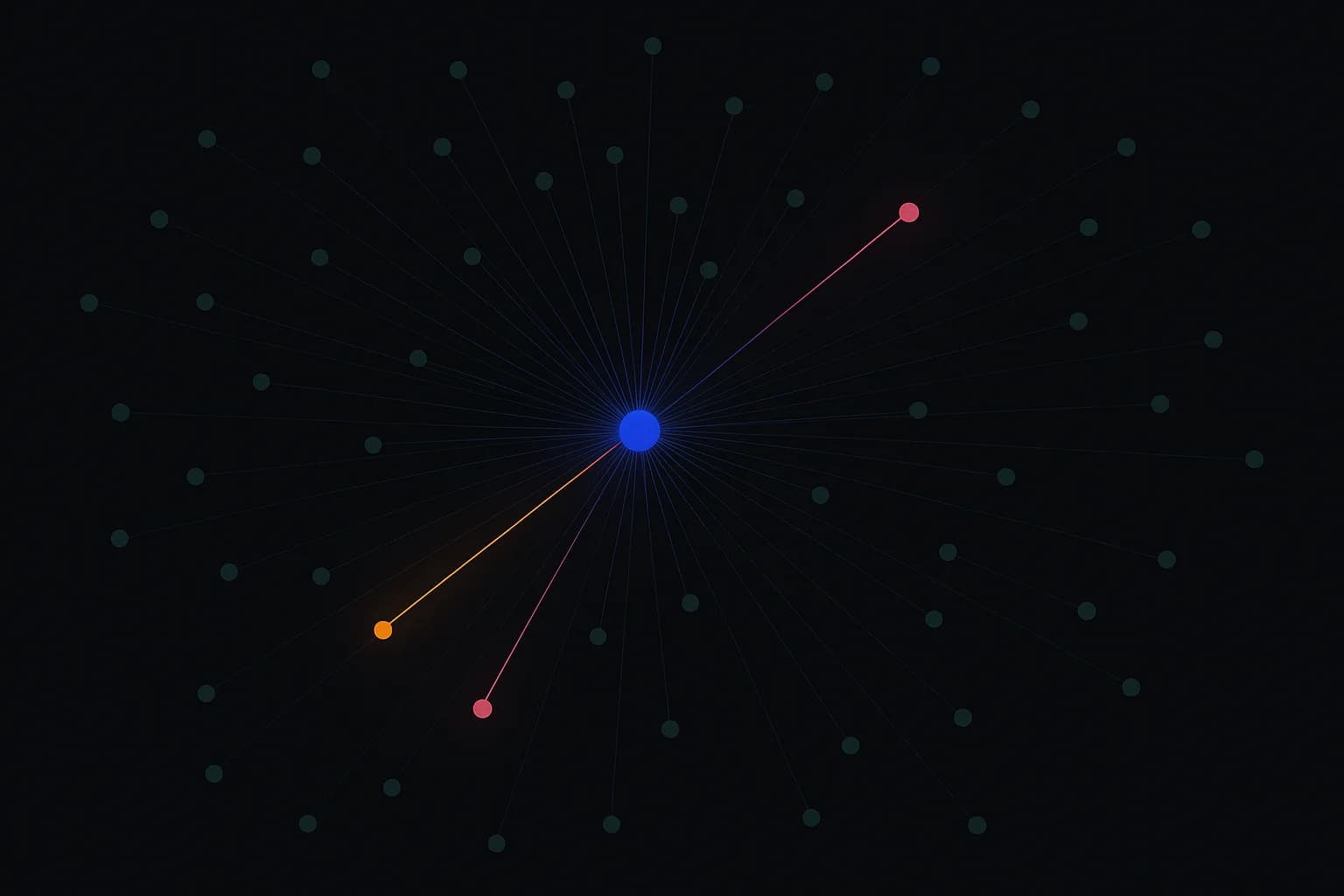
The alternative is to make dependencies explicit. Impact analysis traces a field to everything that relies on it — the automations, reports, and downstream dependencies — and shows you the chain before you touch anything.
Done well, it answers the questions you actually have:
- What references this field? Across automation, reporting, and configuration — not just one slice of it.
- What's downstream? Follow the chain: this field feeds that formula, which drives that automation, which writes that other field.
- What's the blast radius? A clear picture of everything in the path, so "safe to change" becomes a judgment you can make instead of a hope.
Instead of bracing for the unknown, you change with the dependency map in front of you. The ten-second edit stays a ten-second edit — but now it's an informed one.
Impact analysis and change tracking are two halves of one job
Impact analysis tells you what would happen if you change a field. Change tracking tells you what did happen across your org. Together they close the loop: understand the blast radius before you act, then confirm exactly what moved after you do.
That pairing is how confident teams operate. They don't change less than everyone else — they change with more information. The dependency that used to be a landmine is now just a line on a map they can read before they step.
Metadata only
As with everything SchemaForce does, impact analysis works entirely from your org's metadata — object and field definitions, automation and dependency relationships. It never reads, stores, or sees the contents of your records. You get the full picture of how your configuration is wired together without exposing any of the data flowing through it.
The next time you hover over a field wondering whether it's safe to touch, the goal is simple: you shouldn't have to guess. The dependencies should already be in front of you — so the question answers itself, and the change ships without the dread.